
Paper to phone
How to move a paper job diary into a trades CRM
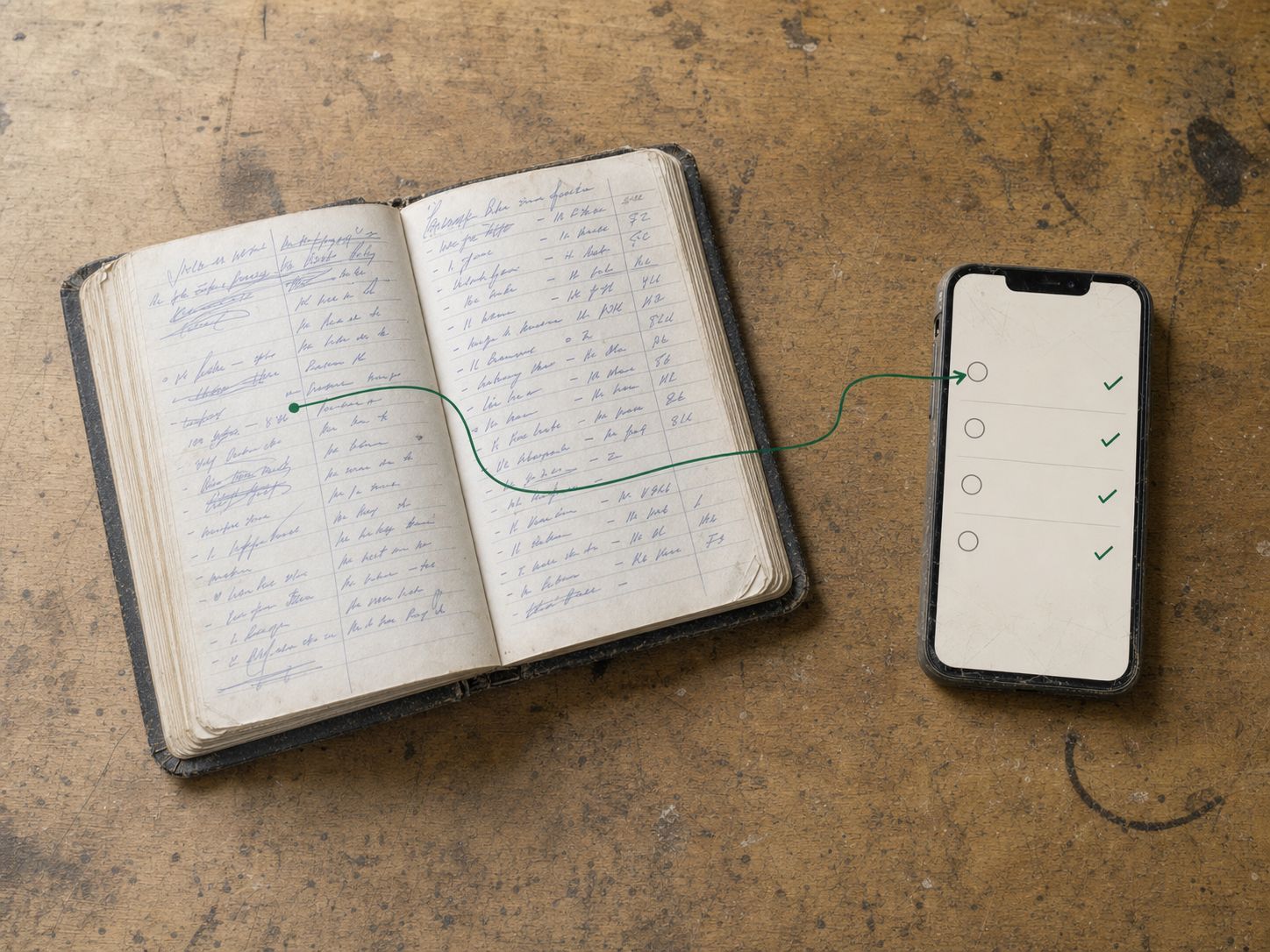
Move a paper diary into a CRM by starting with active customers, open work and the current schedule.
The short answer
Move a paper diary into a CRM by starting with active customers, open work and the current schedule.
Move a paper diary into a CRM by starting with active customers, open work and the current schedule. Reconcile those records before importing old history. Keep paper available during a short, clearly controlled changeover rather than allowing two independent schedules indefinitely.
Explore the wider switching and implementation guides for the steps around this decision.
A four-stage migration
| Stage | Work to do |
|---|---|
| Prepare | Identify customers/sites, open quotes/jobs and balances |
| Enter or import | Use supported formats and check a small sample |
| Reconcile | Compare scope, dates, assignments and money with the source |
| Cut over | Name the authoritative record for new work and exceptions |
Keep a safe source copy. Do not mark an old entry as transferred until the new record has been checked.
An illustrative first week
A garden business enters this week’s jobs and currently active customers, then checks an accepted quote, a deferred visit and an unpaid invoice. The crew practices on synthetic data first. The office verifies that each active job has the correct payer and site.
If information is incomplete, record an exception and owner. Guessing a balance or future repeat date merely makes the new app confidently wrong.
Keep setup promises realistic
JobDiary is self-serve by default, with optional paid setup described on the current pricing/start pages. Trial access follows provisioning; plan the cutover after access is available. Confirm the setup/import scope rather than assuming every historic document, photo and handwritten note is included.
Before committing, inspect a sample export. A reversible first phase is useful even if you later choose another tool: you have cleaner active-work records and a clearer hand-off process. The migration succeeds when daily work remains traceable, not when the largest possible number of old entries has been copied.
Connect this to the next step
Continue with Self-serve vs paid software setup for a trades business. If the next issue is elsewhere in the workflow, use How to onboard a seasonal worker to a job app.
See starting a JobDiary trial to check how the product supports this work. Use the current product description and a trial to verify the fit for your business.
When it is in JobDiary.
The method above is the point. This is what it looks like when the diary is doing it for you.
See how it works| Time | Job | Status |
|---|---|---|
| 08:30 | 7 The GreenMow, edge, hedge | Done |
| 09:15 | 23 Seabury DriveMow, weed | Done |
| 10:00 | 9 Brookfield LawnMow, feed | In progress |
| 11:05 | 12 Castle ParkMow, hedge rear | Next |
| 12:00 | 31 Church RoadMow | Scheduled |
| 13:15 | 18 The RiseMow, edge, bins out | Scheduled |
Product screens use demonstration data.
What this guide is based on
JobDiary was developed around a real Co. Louth trades operation with2 vans and live business records since 2025. This guide provides an editorial framework; worked examples are illustrative. Product screenshots use demonstration data.
