
Guide pillar · Paper to phone
Switching and implementation: keep the next step clear.
Move records in a controlled sequence: choose what matters, check an import, run a small trial and reconcile the result. Keep old records accessible until the new process works.
- Signs software setup is becoming a project of its own
- Can you leave a job app and take your data with you?
- Your first week in a trades job app: what to set up first
- How to move customer data from Excel without duplicating records
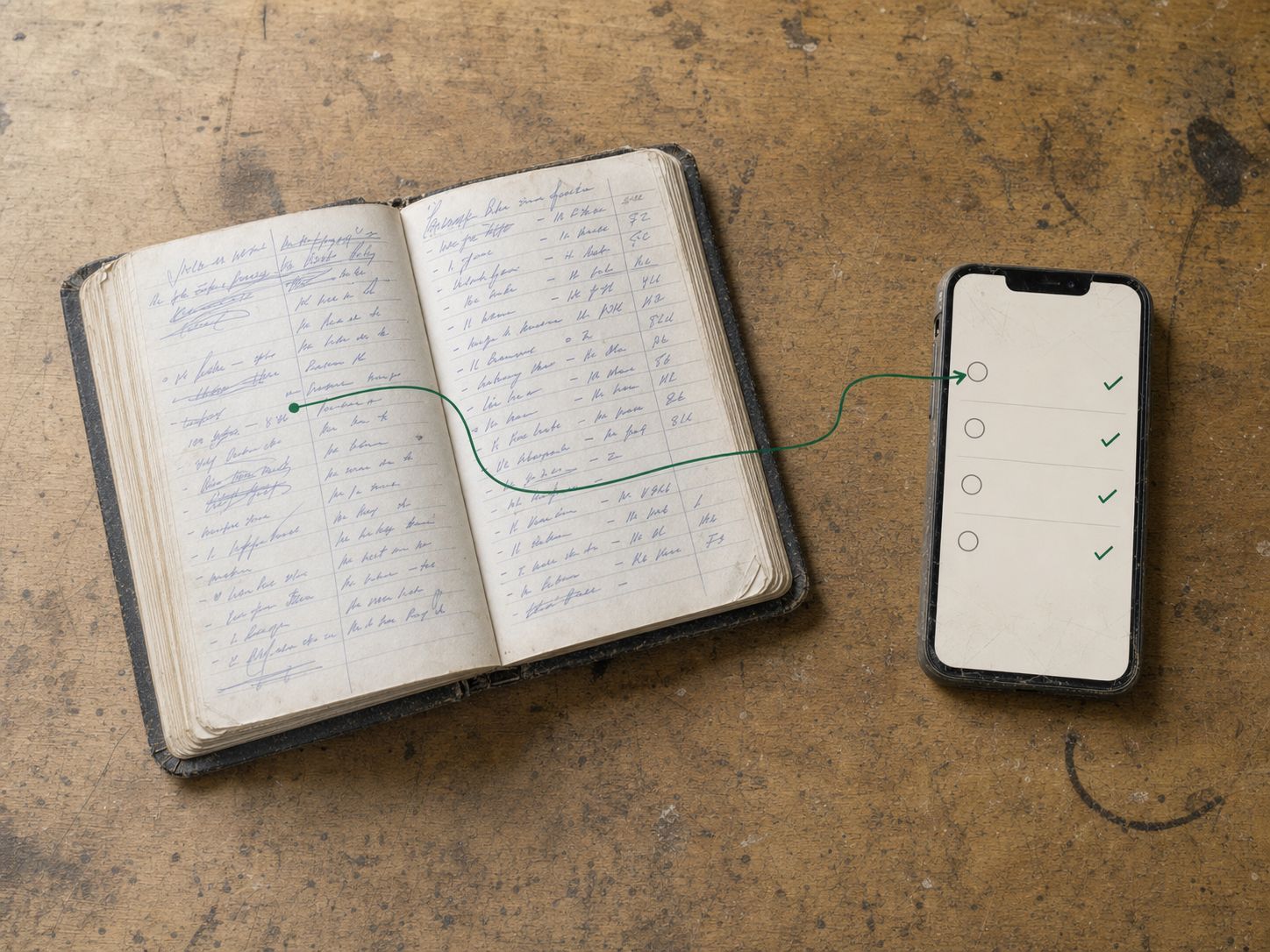
- How to move a paper job diary into a trades CRM
- How to run paper and an app together during a short changeover
- Self-serve vs paid software setup for a trades business
- Moving from another job app: what to check before cancelling
Most useful first
Signs software setup is becoming a project of its own
Setup is becoming a project of its own when historical clean-up, elaborate statuses or untested integrations stop the team using active work.
Read the guideWhat do you need to sort?
How to move a paper job diary into a trades CRM
A practical checklist, example or decision framework.
How to move a paper job diary into a trades CRMHow to move customer data from Excel without duplicating records
A practical checklist, example or decision framework.
How to move customer data from Excel without duplicating recordsSelf-serve vs paid software setup for a trades business
A practical checklist, example or decision framework.
Self-serve vs paid software setup for a trades business
All paper to phone guides
- Signs software setup is becoming a project of its ownSetup is becoming a project of its own when historical clean-up, elaborate statuses or untested integrations stop the team using active work.
- Can you leave a job app and take your data with you?Before leaving a job app, export a representative sample and inspect what it contains.
- Your first week in a trades job app: what to set up firstSet up a job app around one active piece of work first, then expand to the current schedule and users.
- How to move customer data from Excel without duplicating recordsMove an Excel customer list by cleaning identifiers, separating customer and site information and testing a small import first.
- How to move a paper job diary into a trades CRMMove a paper diary into a CRM by starting with active customers, open work and the current schedule.
- How to run paper and an app together during a short changeoverRun paper and an app together only with a clear source-of-truth rule and a bounded changeover.
- Self-serve vs paid software setup for a trades businessChoose self-serve setup when you can prepare and check the active records yourself.
- Moving from another job app: what to check before cancellingBefore cancelling another job app, confirm that its exports preserve the records you need and that the destination can accept them.
Keep these steps connected in the business.
JobDiary brings leads, quotes, customers, jobs, projects, crews, invoices, payments and job profit into one operational record. Check the product tour and trial against your own work.
See how it works| Time | Job | Status |
|---|---|---|
| 08:30 | 7 The GreenMow, edge, hedge | Done |
| 09:15 | 23 Seabury DriveMow, weed | Done |
| 10:00 | 9 Brookfield LawnMow, feed | In progress |
| 11:05 | 12 Castle ParkMow, hedge rear | Next |
| 12:00 | 31 Church RoadMow | Scheduled |
| 13:15 | 18 The RiseMow, edge, bins out | Scheduled |
Product screens use demonstration data.
The problem usually starts earlier
Getting paid
Reminders, invoices and part-payments.
See getting paid guidesRunning the round
Recurring jobs, weather and routes.
See running the round guidesPricing the work
Rates, quotes and price books.
See pricing the work guidesSmall crews
Vans, hours and handovers.
See small crews guidesChoosing software
Fit, costs, alternatives and the limits.
See choosing software guidesLeads and customers
Enquiries, follow-up and customer history.
See leads and customers guidesScheduling
Crew capacity, dispatch and changed plans.
See scheduling guidesProjects and delivery
Scope, stages, extras and completion.
See projects and delivery guidesJob costs and profit
Labour, materials, margins and unbilled work.
See job costs and profit guidesBusiness records
Access, offline work, equipment and data.
See business records guidesBy trade
Practical records for different kinds of work.
See by trade guides
