
Paper to phone
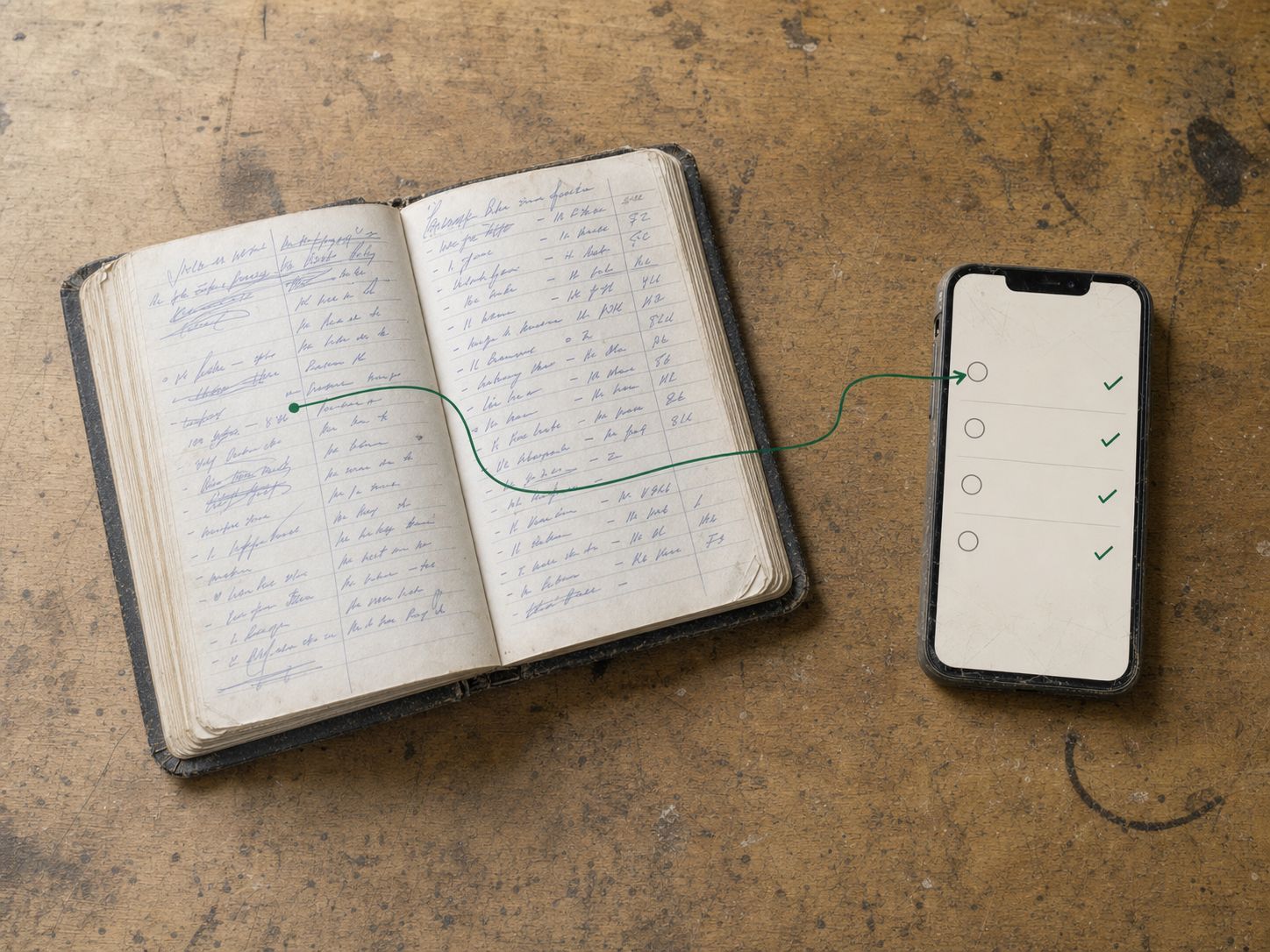
How to run paper and an app together during a short changeover
Run paper and an app together only with a clear source-of-truth rule and a bounded changeover.
The short answer
Run paper and an app together only with a clear source-of-truth rule and a bounded changeover.
Run paper and an app together only with a clear source-of-truth rule and a bounded changeover. Parallel records are useful for checking a transfer; they become risky when either can independently create bookings and payment statuses.
Explore the wider switching and implementation guides for the steps around this decision.
A cutover record
| Decision | Suggested rule to agree |
|---|---|
| New enquiries | Enter in the shared record from the chosen date |
| Active bookings | Reconcile once, then change in the authoritative schedule |
| Rough site notes | Transfer material decisions to the right job |
| Payment entries | Use one ledger and reconcile source evidence |
| Exceptions | Name the person who resolves mismatches |
These are operating suggestions, not a promise of automatic paper-to-app synchronisation.
An illustrative transition
A maintenance business retains the old diary for checking but marks transferred active work. A changed booking is updated in the app, and the diary entry is clearly marked as no longer authoritative. The office checks that a repeat visit has not been entered twice.
End the overlap deliberately
Review unresolved jobs, customer identity, open quotes and balances. Confirm each user can find the current record. Keep archived paper according to the business’s record obligations, rather than destroying it merely because an app is in use.
JobDiary’s self-serve and optional paid setup can support a transition, but the business still needs this reconciliation and ownership routine. Do not imply that all historical notes arrive automatically or that a parallel diary can remain a reliable second schedule indefinitely.
Connect this to the next step
Continue with Signs software setup is becoming a project of its own. If the next issue is elsewhere in the workflow, use How to onboard a seasonal worker to a job app.
See starting a JobDiary trial to check how the product supports this work. Use the current product description and a trial to verify the fit for your business.
When it is in JobDiary.
The method above is the point. This is what it looks like when the diary is doing it for you.
See how it works| Time | Job | Status |
|---|---|---|
| 08:30 | 7 The GreenMow, edge, hedge | Done |
| 09:15 | 23 Seabury DriveMow, weed | Done |
| 10:00 | 9 Brookfield LawnMow, feed | In progress |
| 11:05 | 12 Castle ParkMow, hedge rear | Next |
| 12:00 | 31 Church RoadMow | Scheduled |
| 13:15 | 18 The RiseMow, edge, bins out | Scheduled |
Product screens use demonstration data.
What this guide is based on
JobDiary was developed around a real Co. Louth trades operation with2 vans and live business records since 2025. This guide provides an editorial framework; worked examples are illustrative. Product screenshots use demonstration data.
