
Paper to phone
Can you leave a job app and take your data with you?
Before leaving a job app, export a representative sample and inspect what it contains.
The short answer
Before leaving a job app, export a representative sample and inspect what it contains.
Before leaving a job app, export a representative sample and inspect what it contains. A download button does not establish that every customer, attachment, invoice, payment and relationship can be reconstructed elsewhere. Check the scope while access is still available.
Explore the wider switching and implementation guides for the steps around this decision.
Export acceptance checklist
| Record | What to inspect |
|---|---|
| Customers/sites | Identity and relationship references |
| Open work | Scope, dates, status and next action |
| Quotes/invoices | Identifiers, amounts and relevant versions |
| Payments | Date, allocation and remaining balance |
| Hours/materials | Which inputs and references are included |
| Attachments | Whether files or usable references are supplied |
The table is a requested export scope, not a guarantee that any particular format includes all these records.
Test readability and usefulness
Open the output with an ordinary suitable tool. Check dates, amounts, character encoding and identifiers. A flat customer list may be readable but insufficient for preserving unpaid invoice context. Confirm the replacement’s import capability separately.
Keep a controlled copy and confirm how correction, retention and deletion are handled under the business’s obligations. Cancelling a subscription does not automatically answer those questions.
JobDiary’s approved offer includes export on leaving. Exact contents and formats need confirmation against the current supported process; this article does not imply a tested complete archive or automatic migration to another product.
Distinguish export from backup
An export is a copy of the records supplied. A backup with a verified restore process is a different capability. Ask about both if business continuity is a requirement, and do not treat one as proof of the other.
Connect this to the next step
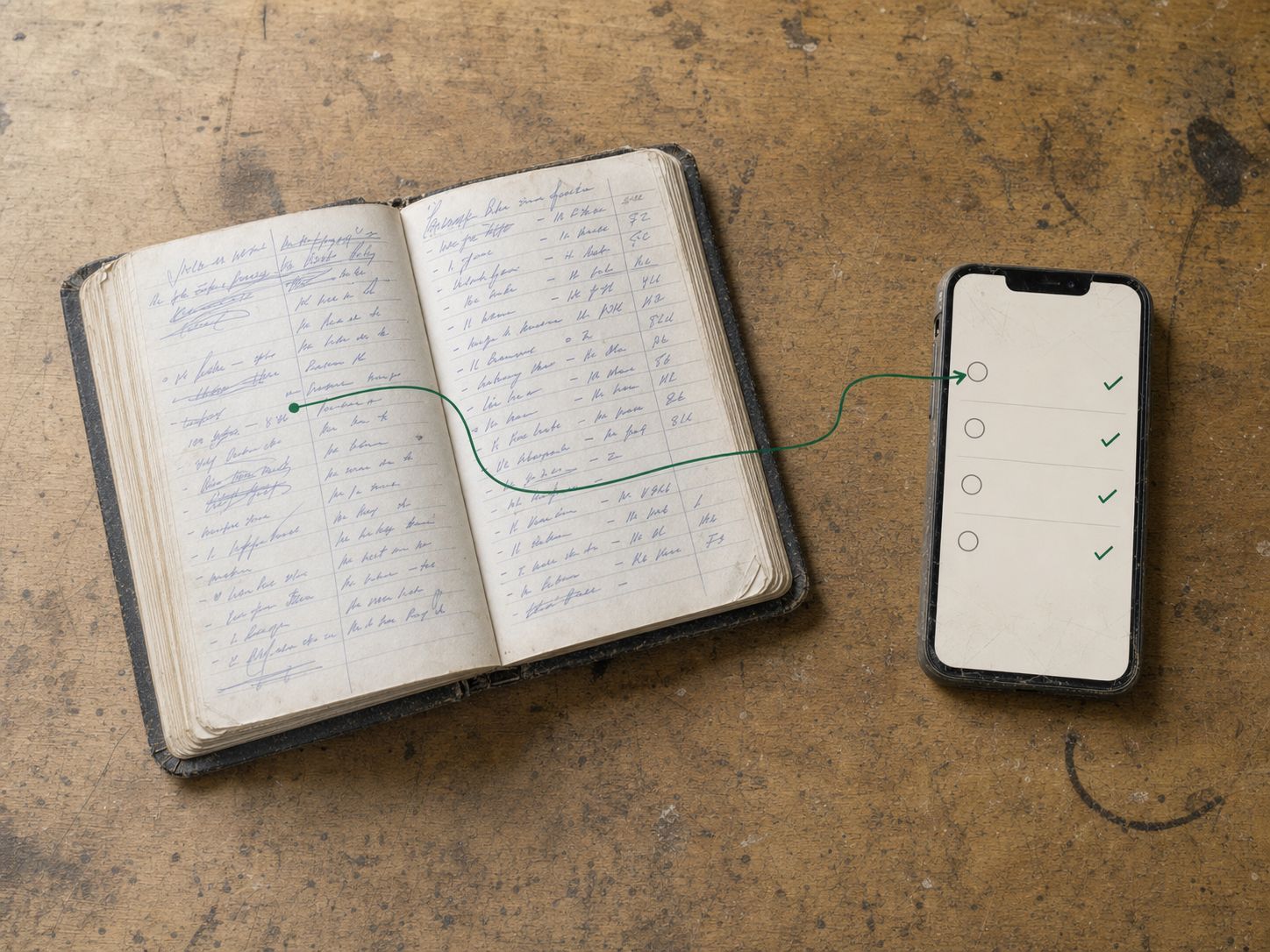
Continue with How to move a paper job diary into a trades CRM. If the next issue is elsewhere in the workflow, use How to onboard a seasonal worker to a job app.
See starting a JobDiary trial to check how the product supports this work. Use the current product description and a trial to verify the fit for your business.
When it is in JobDiary.
The method above is the point. This is what it looks like when the diary is doing it for you.
See how it works| Time | Job | Status |
|---|---|---|
| 08:30 | 7 The GreenMow, edge, hedge | Done |
| 09:15 | 23 Seabury DriveMow, weed | Done |
| 10:00 | 9 Brookfield LawnMow, feed | In progress |
| 11:05 | 12 Castle ParkMow, hedge rear | Next |
| 12:00 | 31 Church RoadMow | Scheduled |
| 13:15 | 18 The RiseMow, edge, bins out | Scheduled |
Product screens use demonstration data.
What this guide is based on
JobDiary was developed around a real Co. Louth trades operation with2 vans and live business records since 2025. This guide provides an editorial framework; worked examples are illustrative. Product screenshots use demonstration data.
