
Running the round
Why repeat visits go missing after a disrupted day
Repeat visits disappear after disruption when deferred work loses its next action, is marked complete incorrectly or is duplicated under a new booking.
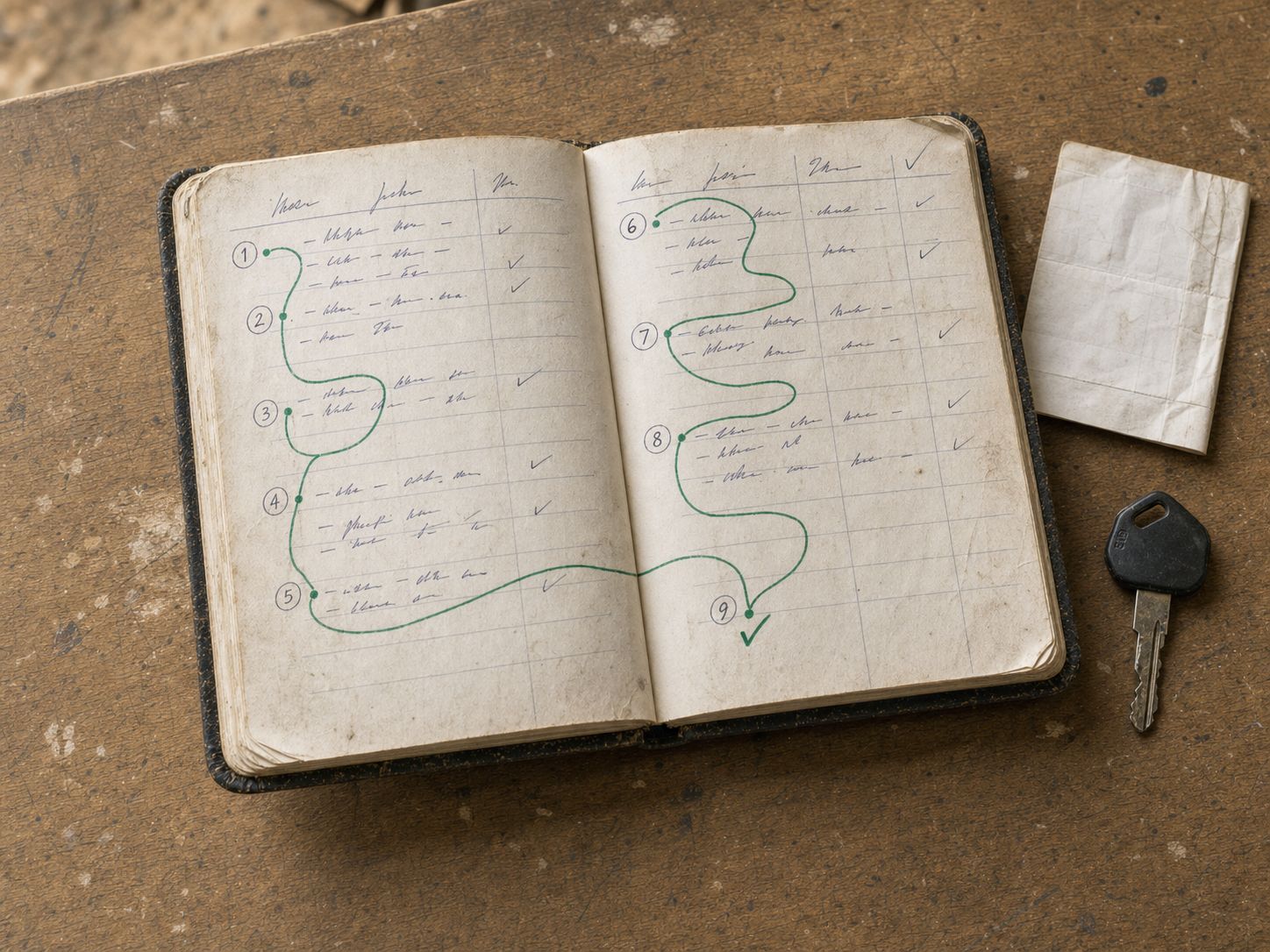
The short answer
Repeat visits disappear after disruption when deferred work loses its next action, is marked complete incorrectly or is duplicated under a new booking.
Repeat visits disappear after disruption when deferred work loses its next action, is marked complete incorrectly or is duplicated under a new booking. Reconcile the original visit and its repeat state rather than merely moving a date in a private diary.
Explore the wider recurring work inside the crm guides for the steps around this decision.
A recovery list
| Visit outcome | Record | Next check |
|---|---|---|
| Completed | Actual completion | Correct future repeat |
| No access | Reason and customer/site | New arrangement and repeat implications |
| Deferred | Work still open | Capacity and confirmed next action |
| Cancelled | Actual decision | Whether the recurring service continues |
Keep the distinction between the current visit and the recurring service. Cancelling one visit is not necessarily cancelling all future work.
An illustrative missed visit
A crew cannot access a Tuesday site. The office records the reason and agrees a later visit. Before adding a new entry, it checks whether the original is moved and how the next repeat is calculated. This prevents a second bill or a misleading completion record.
JobDiary’s crew code includes handling for pending repeat work and synchronisation, but exact behaviour depends on the supported action and current setup. Test the changed-day sequence rather than assuming every offline or deferred event is already safely reflected on the server.
Finish the exception review
Check visits with no replacement or review date, repeated failed access and payments attached to the wrong entry. Resolve the customer arrangement as well as the calendar.
A shared record makes the issue visible; it does not guarantee that every interrupted service can be completed tomorrow. Keep capacity and the customer’s agreed service in view.
Connect this to the next step
Continue with How to manage regular customers and one-off projects together. If the next issue is elsewhere in the workflow, use How to reschedule work after rain without losing jobs.
See the JobDiary product tour to check how the product supports this work. Use the current product description and a trial to verify the fit for your business.
When it is in JobDiary.
The method above is the point. This is what it looks like when the diary is doing it for you.
See how it works| Time | Job | Status |
|---|---|---|
| 08:30 | 7 The GreenMow, edge, hedge | Done |
| 09:15 | 23 Seabury DriveMow, weed | Done |
| 10:00 | 9 Brookfield LawnMow, feed | In progress |
| 11:05 | 12 Castle ParkMow, hedge rear | Next |
| 12:00 | 31 Church RoadMow | Scheduled |
| 13:15 | 18 The RiseMow, edge, bins out | Scheduled |
Product screens use demonstration data.
What this guide is based on
JobDiary was developed around a real Co. Louth trades operation with2 vans and live business records since 2025. This guide provides an editorial framework; worked examples are illustrative. Product screenshots use demonstration data.
